I/O Streams
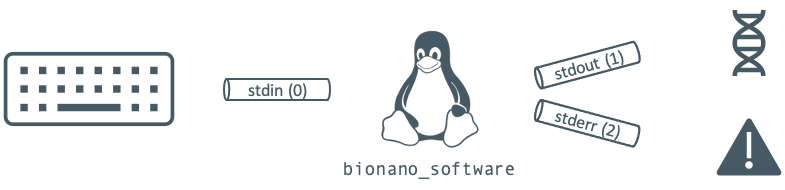
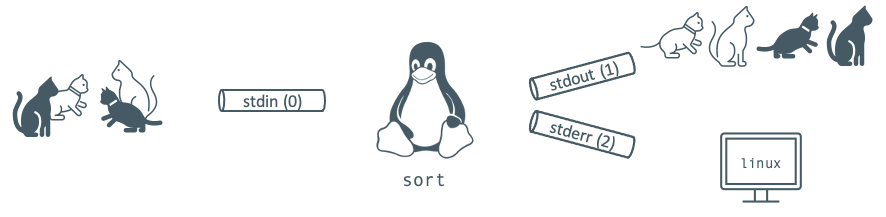
Linux allows you to manipulate input and output streams (I/O streams). Input streams send data to a program. Output streams return data from a program. By default, your keyboard is the input stream on Linux, and your console is the output stream. There is also an error output stream which is dedicated to outputting errors from a program.
| Name | Purpose | File Descriptor | Default |
|---|---|---|---|
stdin |
Input | 0 | Keyboard |
stdout |
Normal output | 1 | Terminal |
stderr |
Error output | 2 | Terminal |
Redirects
stdout: “>” or “>>”
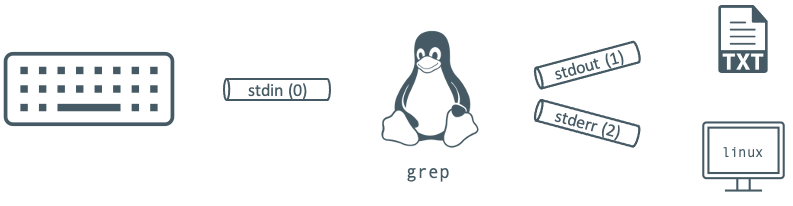
The greater-than token (>) redirects the standard output of a program to a new location. grep usually prints its results to the console. If you wanted to redirect it to a text file, you’d do the following:
# Create or replace output.txt
grep -i 'claws al ghul' catman_begins.txt > output.txt
# Create or append to output.txt
grep -i 'claws al ghul' catman_begins.txt >> output.txt
stderr: “2>” or “2>>”
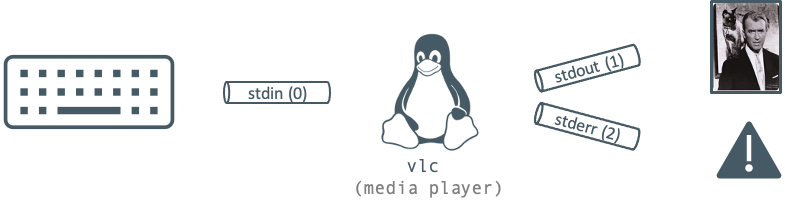
Prepending the output redirection tokens with a 2 redirects the standard error. Below is an example with the vlc media player.
# Create or replace error.log
vlc mr_smith_goes_to_pawshington.mpg 2> error.log
# Create or append to error.log
vlc mr_smith_goes_to_pawshington.mpg 2>> error.log
Both stdout and stderr
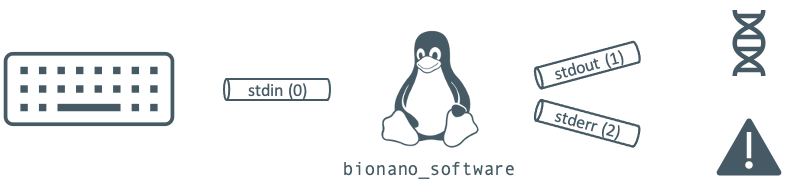
You can combine the redirects to redirect both stdout and stderr at the same time:
bionano_software > output.log 2> error.log   # create
bionano_software >> output.log 2>> error.log # append
stdin: “<”
The less-than token is used to redirect standard input (stdin). It tells the program to take its input from the file following the token:
# Create a file or replace an existing file:
sort > sorted_cats.txt < cats.txt
# Another format example, albeit contrived:
sort < cats.txt > sorted_cats.txt
# Sort can take a filename as a direct argument without any input redirection, so the better syntax is:
sort cats.txt > sorted_cats.txt
Combine streams
One I/O stream can be redirected to another I/O stream. This is the syntax for redirecting stderr to stdout. It would ensure that all output, standard or error, would end up at the destination:
ping -c 10 procatinator.com > output.txt 2>&1
ping -c 10 procatinator.com &> output.txt # shorthand
Discard output
/dev/null can be thought of as a black hole. It’s a special device that discards anything that is passed to it. The ampersand-greater-than (&>) will redirect both streams to the same place:
./automated_task.sh &> /dev/null # run the program, throwing away all output